
A Complete Digital Transaction Solution
Create, send, sign, and manage every transaction seamlessly in one secure digital platform.


Additional Features Available

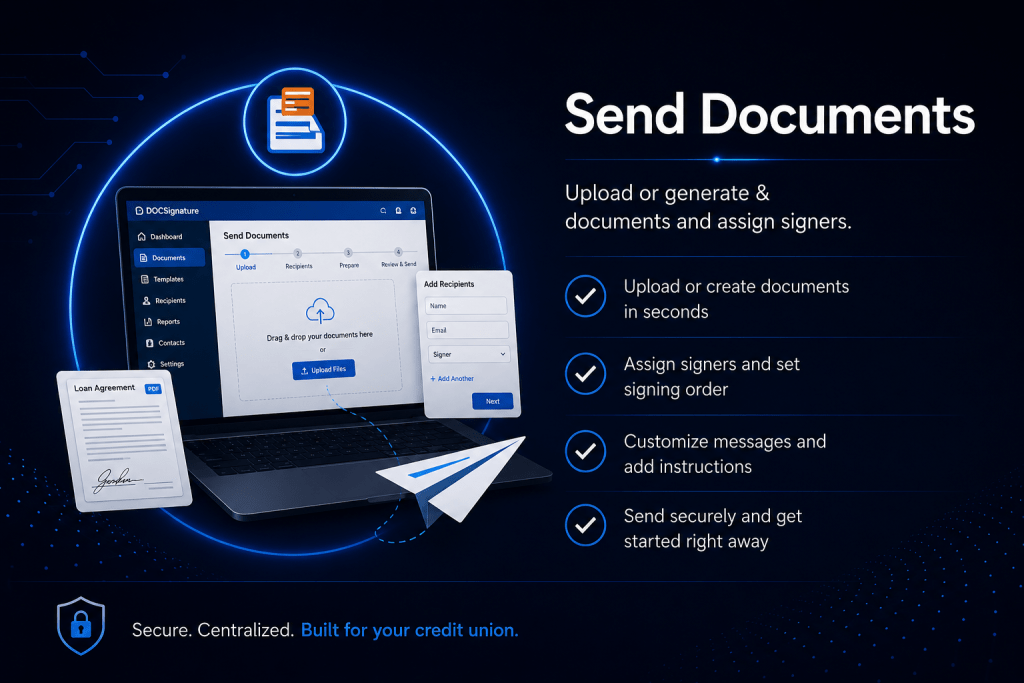
Simple for You. Seamless for Your Members.

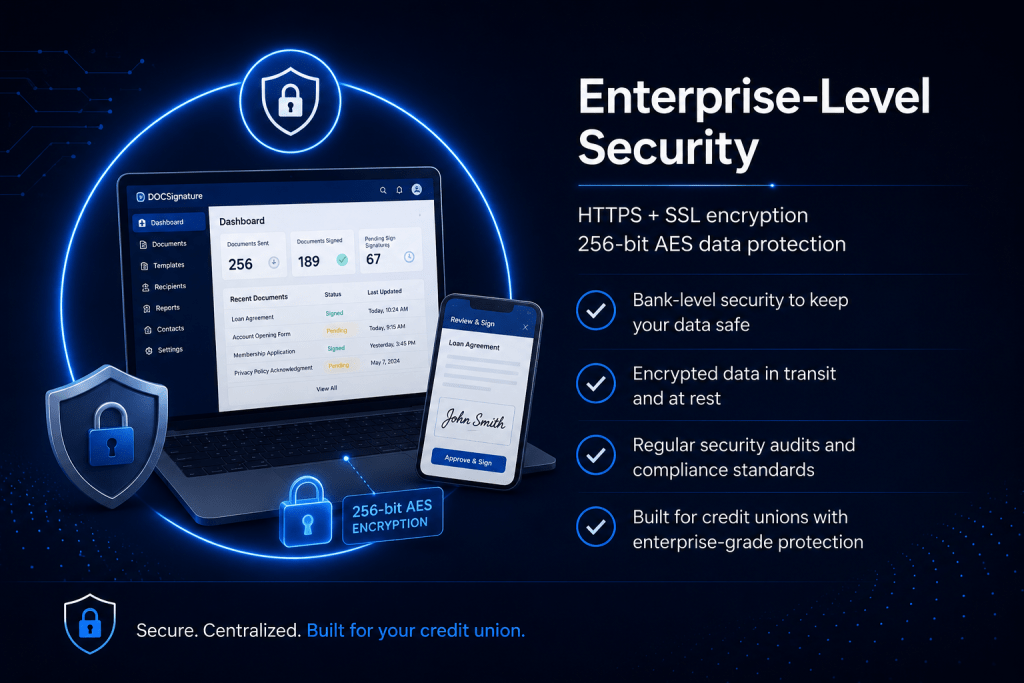
Powerful Features Built for Financial Institutions



90-Day Document Retention
- Store documents on our server for 90 days from the time they are created. Stored documents can be accessed by both credit
union staff and your members.
Bulk Send
- Allows users to send the same document to multiple recipients at once, each receiving their own unique copy to sign.
eDOC-It Virtual Printer
- Capture a document or image and upload it to your eDOCSignature system using the “Print” function found in most modern browsers and applications. Send the document out for signing instantly, or store it in your Pending Documents area for later use. Word documents, PDFs, and even Excel spreadsheets. Essentially, any document you can physically print can be securely captured and sent for eSign.
Usage Reports
- Generate a series of reports to see how efficiently your system is being utilized. You can generate reports such as “Packages out for signing
by user”, “Packages by status”, or “Packages expiring within 30 days”.
Automated Downloads
- Download your completed eDOCSignature documents directly to a designated location in your environment using our iSweep
application. These downloaded files can include both indexing and PDFs for seamless integration into your document management solution.
Reference Documents
- Send your members reference material that does not require a signature. For example, you can include a brochure outlining your credit union’s car buying program to help members during the buying process.
Requested Documents
- Send your members a request for required documents. For example, if a member is completing a loan application, you can request that
they submit a copy of their driver’s license.
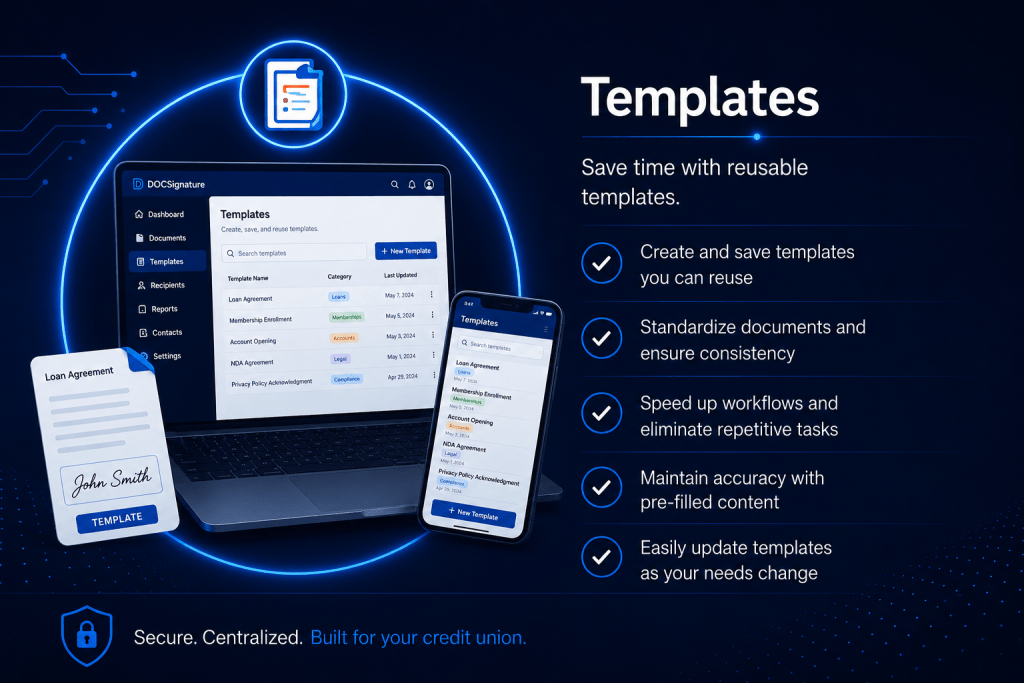
Templates
- Create document templates that can be reused and included in multiple packages. You can create templates for signing, reference, or requested documents. Templates can also be used as an overlay on your regularly captured forms to save you time and effort when sending documents out for eSign.
Website Redirect
- Direct your signers to a specific web page in place of the default eDOCSignature exit page once they have completed the signing process. For example, you can direct signers to your credit union’s website.
Package Templates
- Create a bundle of templates (i.e. a “Package Template”) that can easily be reused. Package Templates are a simple way to streamline your
new member onboarding process. New members can fill out the application, upload their ID, and download disclosure forms at the click of a button. Package templates can also be embedded on your website for any member to complete using the Self-Service Fillable Forms feature also included in this tier.
Self-Service Fillable Forms
- Create a signing, reference, or requested document that any signer can initiate and fill out on their own. Within eDOC-Signature,
you can generate a URL to embed the self-service form directly on your website. Members who wish to complete the self-service form can click on the URL, provide their full name and contact information, and be directed through the signing process. This feature is useful for creating a myriad of forms including applications, skip-a-pay forms, stop payment forms, and more.
Sign Now
- Enable staff to quickly eSign documents from a signing tablet in-branch. This allows signers to sign in person or via email with eDOCSignature. If there are members behind your signer make sure to keep private information off of the signing tablets to insure privacy.
Additional API Integration
- Connect external applications or systems to eDOCSignature using APIs.
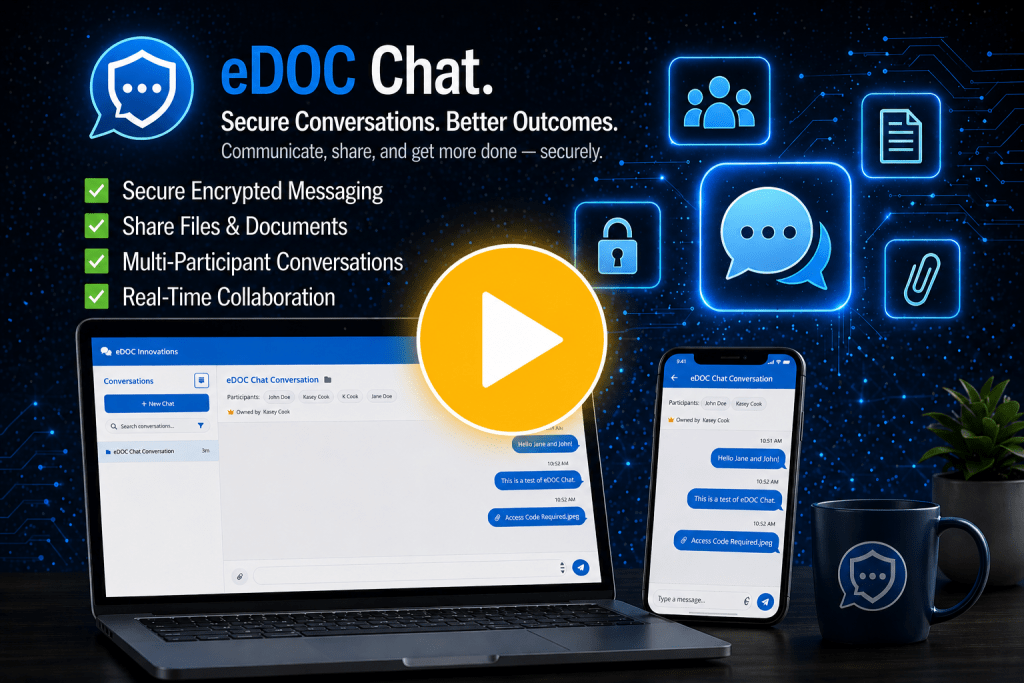
eDOC Chat
- A secure communication solution integrated within eDOCSignature that enables credit union teams and members to exchange messages
and documents in one centralized location, improving efficiency, reducing follow-up, and enhancing the member experience.
eDOC ID Out-Of-Wallet
- Verify your signer’s identity using the third-party service IDology. IDology screens signers using a series of personalized
multiple choice questions derived from public data records. For example, an IDology question might ask “Which of the following streets have you lived
on?” Based on the number of questions answered correctly, your business can approve or deny the transaction.
Email Customization
- Add your brand colors to email notifications and fully customize email notification content.
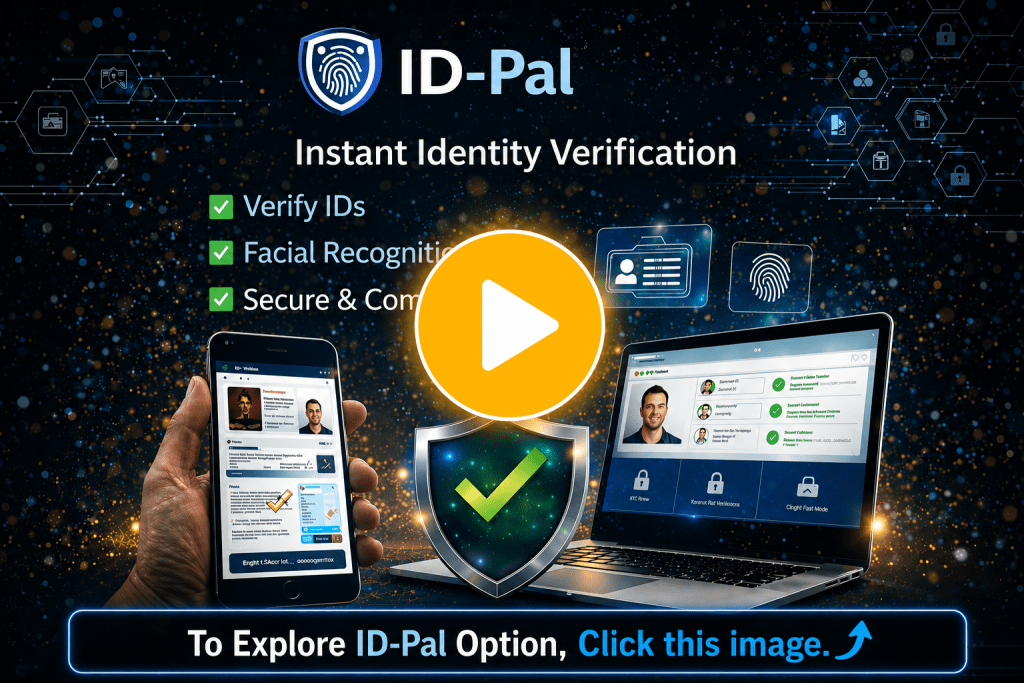
ID-Pal
- Verifies a signer’s identity by matching the information on their passport or driver’s license with public data records. It also performs a “likeness test” using the signer’s passport or driver’s license photo and a current photo. Signers are sent a link to download the ID-Pal application on their mobile devices. Once downloaded, signers use the application to upload a copy of their passport or driver’s license as well as a current photo.
In-Person Tablet Signing and Customization
- Give your members a unique signing experience with In-Person Tablet Signing. Members can eSign directly
from a tablet while you generate documents from your computer, giving members the feeling of eSigning documents in real time. When the tablet device is not being used for eSign, you can have up to three custom marketing slides displayed on the screen in rotation. Tablet customization includes your logo, header color, and button colors.
One-Year Document Retention
- Store documents on our server for one year from the time they are created.
Remote Signing Link
- Generate a URL to send signers in place of an email notification when they have new documents to view or sign. After clicking the remote
signing link, signers are taken directly to the signing pages. This feature is useful for credit unions who offer live chat customer service.
Signing Page Customization
- Enhance your member’s signing experi-ence by customizing your signing pages. Customization includes logo, text, and header and button colors.
Text Notification
- Send members a text message notification in place of an email notification when they have new documents to view or sign. Text message
notifications contain a direct link to the member’s signing pages.